How to migrate your email with ImapSync in DirectAdmin
In DirectAdmin you can now very easily move your email to another hosting package. All you need to do is fill in the correct details of your old provider or location, and DirectAdmin does the rest!
Step 1: Opening ImapSync
To do this, first log in to your hosting package with us. Not quite sure how to do that anymore? Just follow these steps.
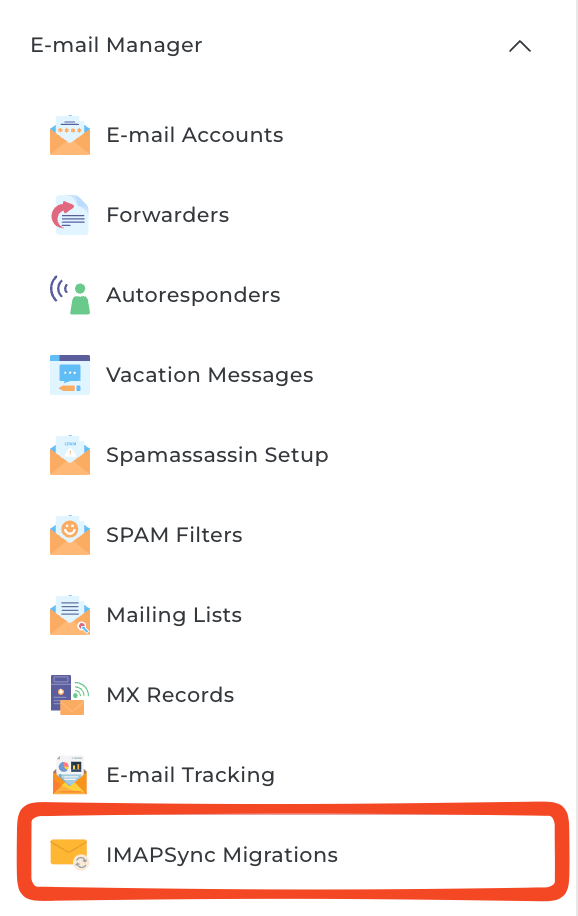
- Once you're logged in, go to 'E-mail Accounts' in the left-hand menu
- Then click 'IMAPSync Migrations at the bottom
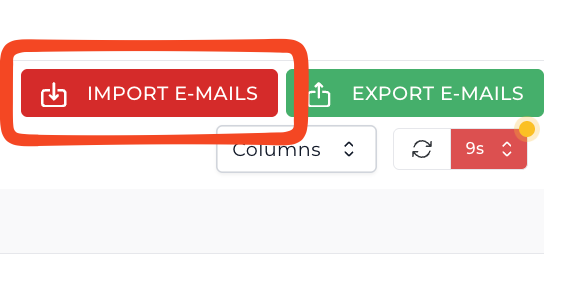
- Next, click 'Import E-mails at the top right
Step 2: Filling in the correct details
You'll now see several input fields. Most of them speak for themselves, but below we explain which details you need to enter where.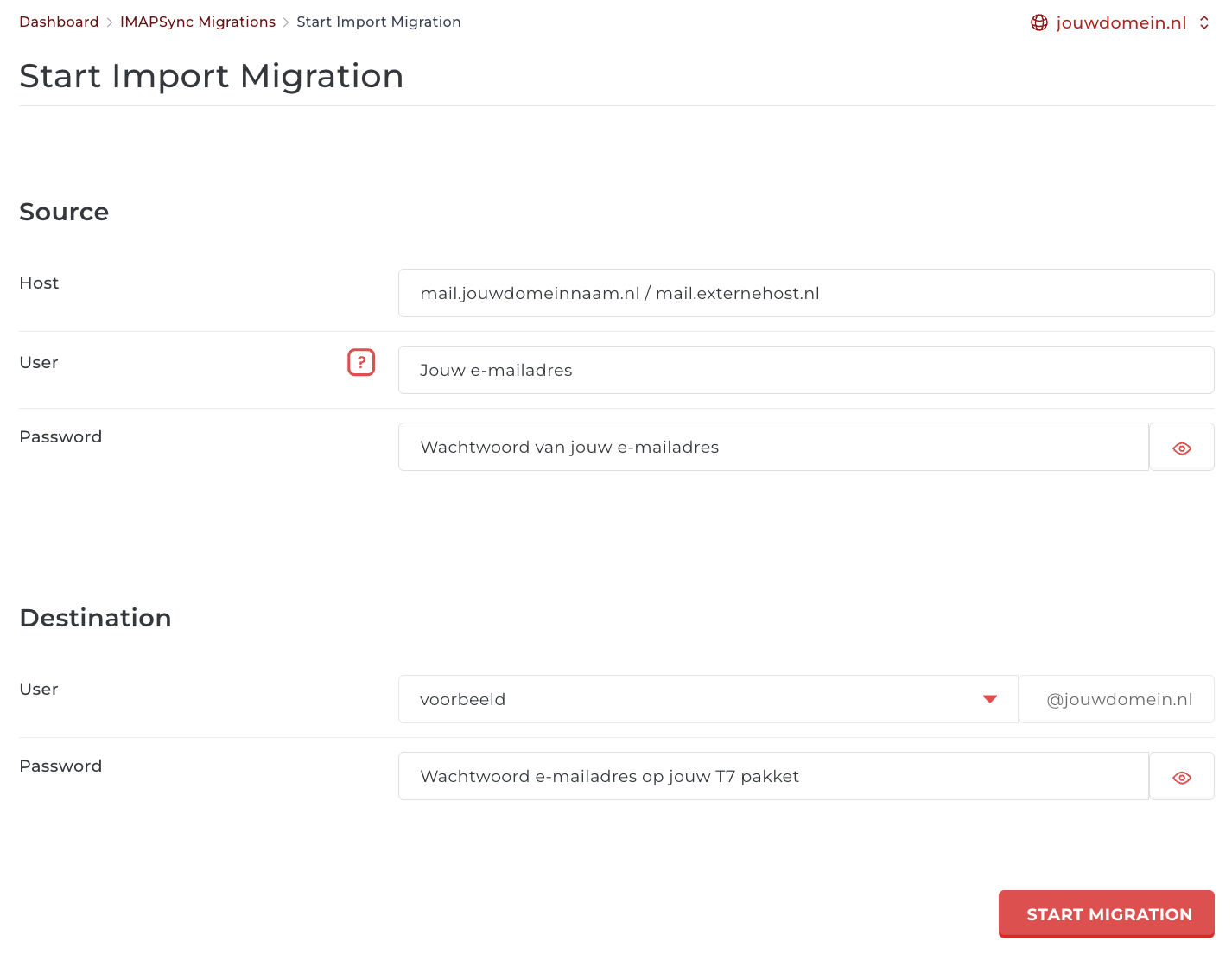
| Source | |
| Host | The server address of the external location. For example: mail.theory7.net or mail.hostingprovider. com. |
| User | The email address you want to move. For example: info@yourdomainname.com |
| Password | The password that belongs to this email address, which you also use to log in to the mailbox. |
| Destination | |
| User | The email address you want to move to. You must have already created it. |
| Password | The password that belongs to this email address, which you also use to log in to the mailbox. |
If you still can't quite figure it out or have any other questions, feel free to contact us. We'll be happy to help you!
Looking for a professional email address? See our plans.
Was this article helpful?
0 of 0 found this helpful
